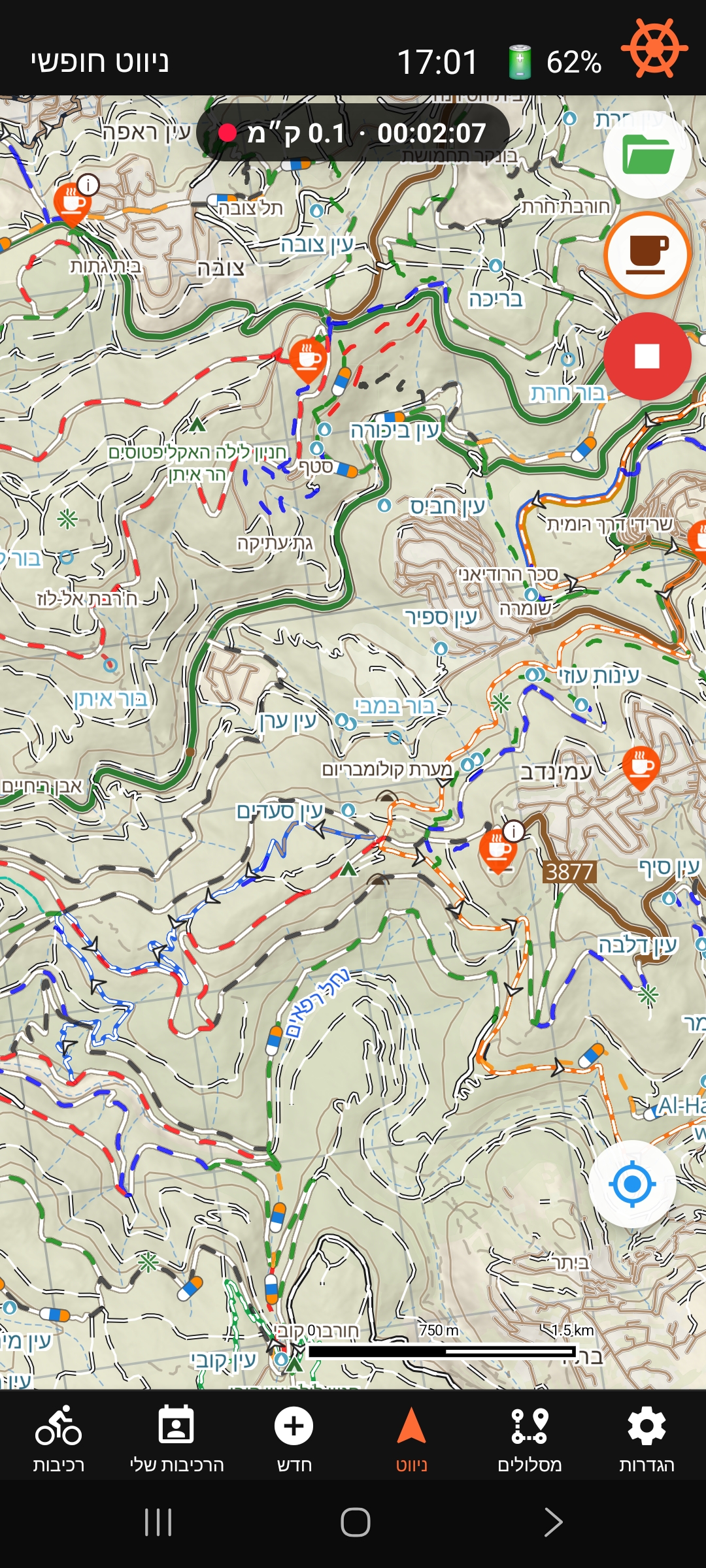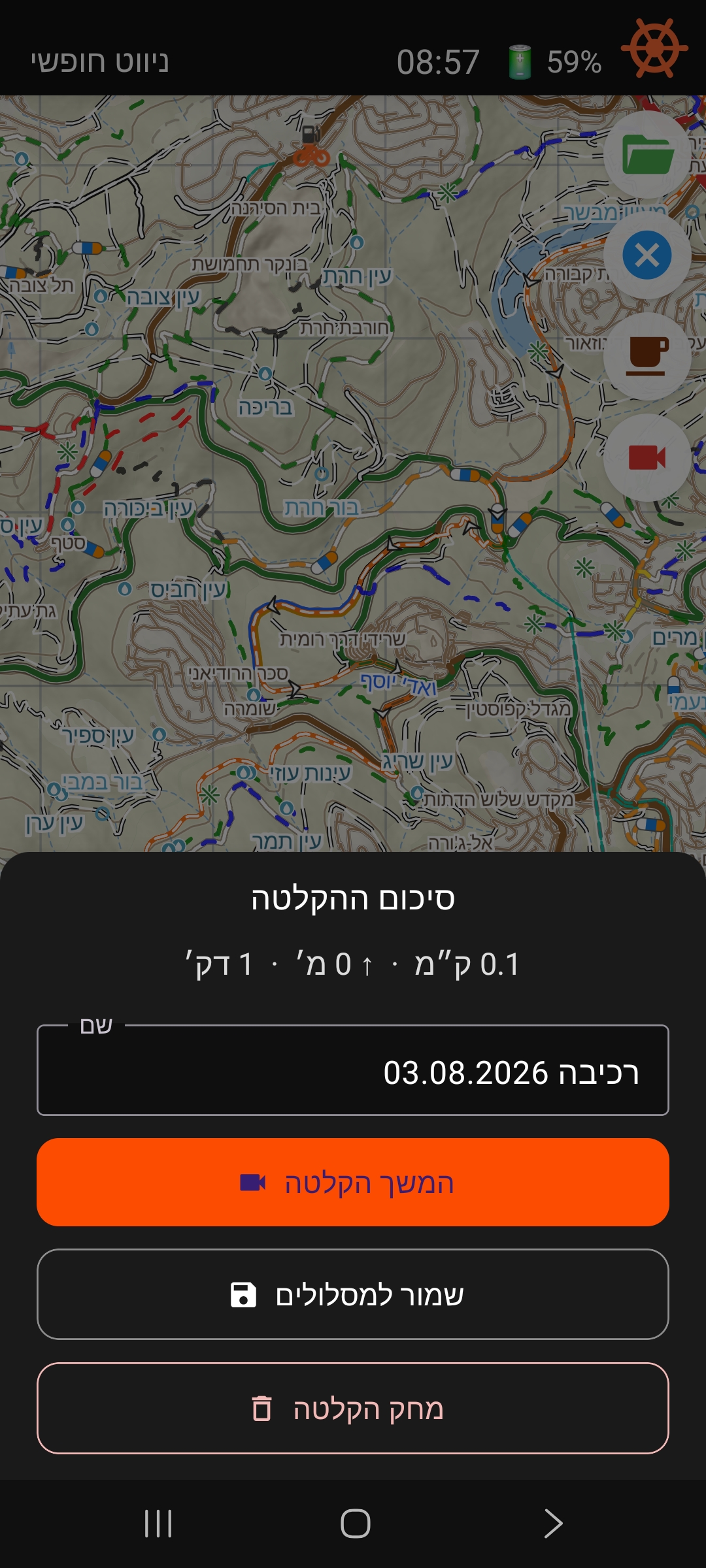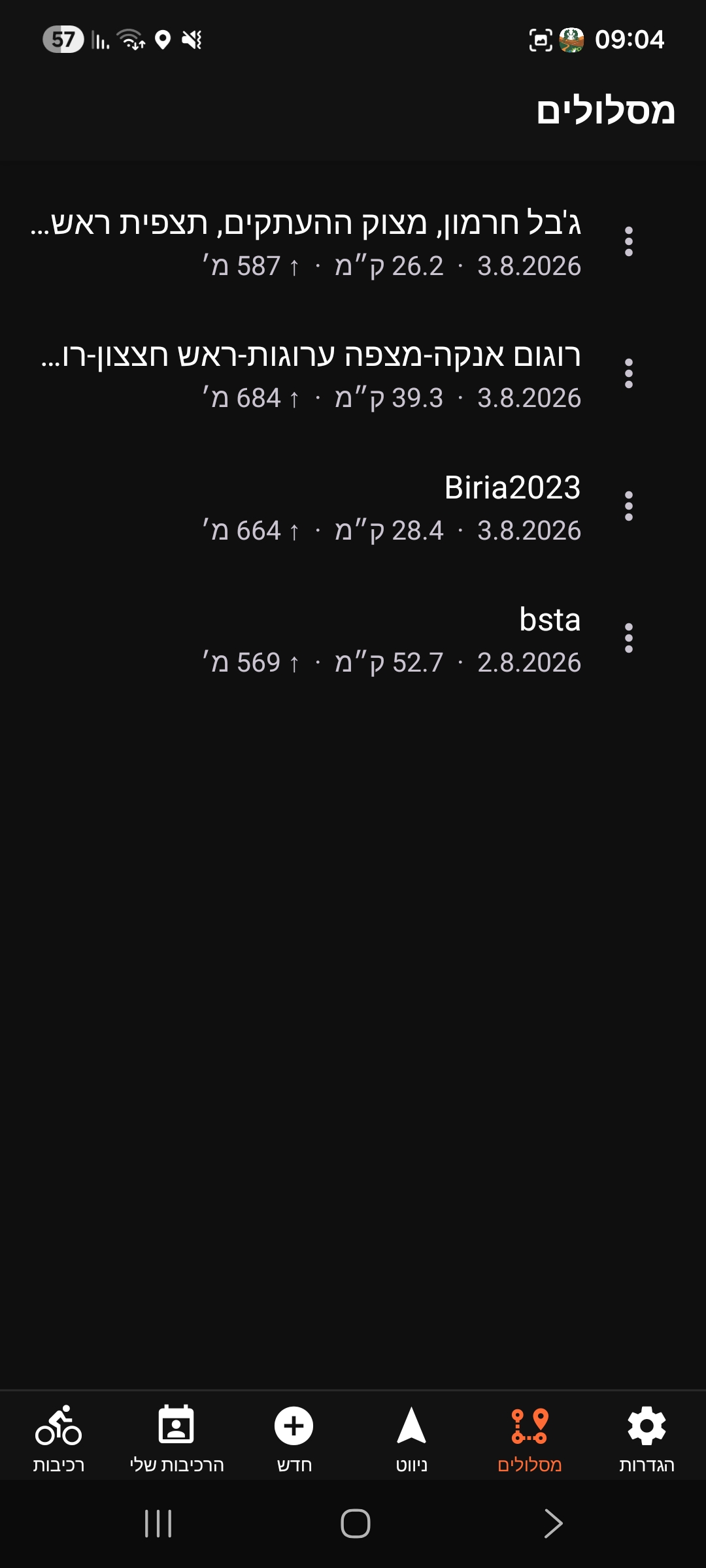
Alerts before junctions — spoken and on screen
Turn alerts get a substantial upgrade. While you navigate a planned route, Bishvil gives spoken and on-screen instructions ahead of junctions where guidance is needed — so you can follow the route with fewer glances at the screen.
Alerts are now based on junctions on the map rather than the turn angle of the route — so they appear where you actually need to choose a way, not at every bend in the trail.
Turn on sound to hear the spoken alerts.
Alerts assist with navigation. Continue to check the route on the map and pay attention to trail conditions.
What you’ll hear and see
Depending on the junction, alerts can include:
- Turn right / left
- Keep right / left
- Continue straight — where guidance is needed
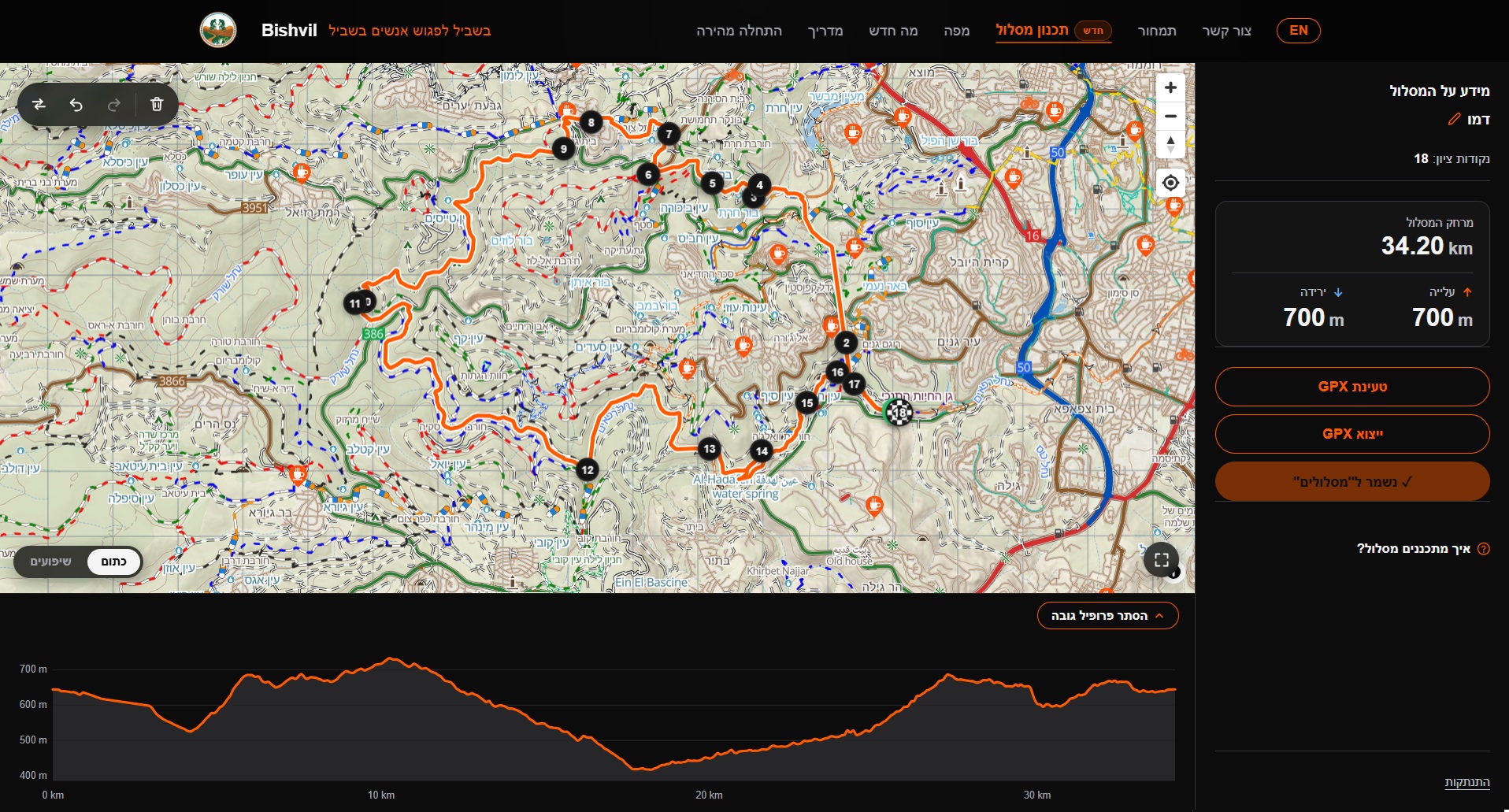
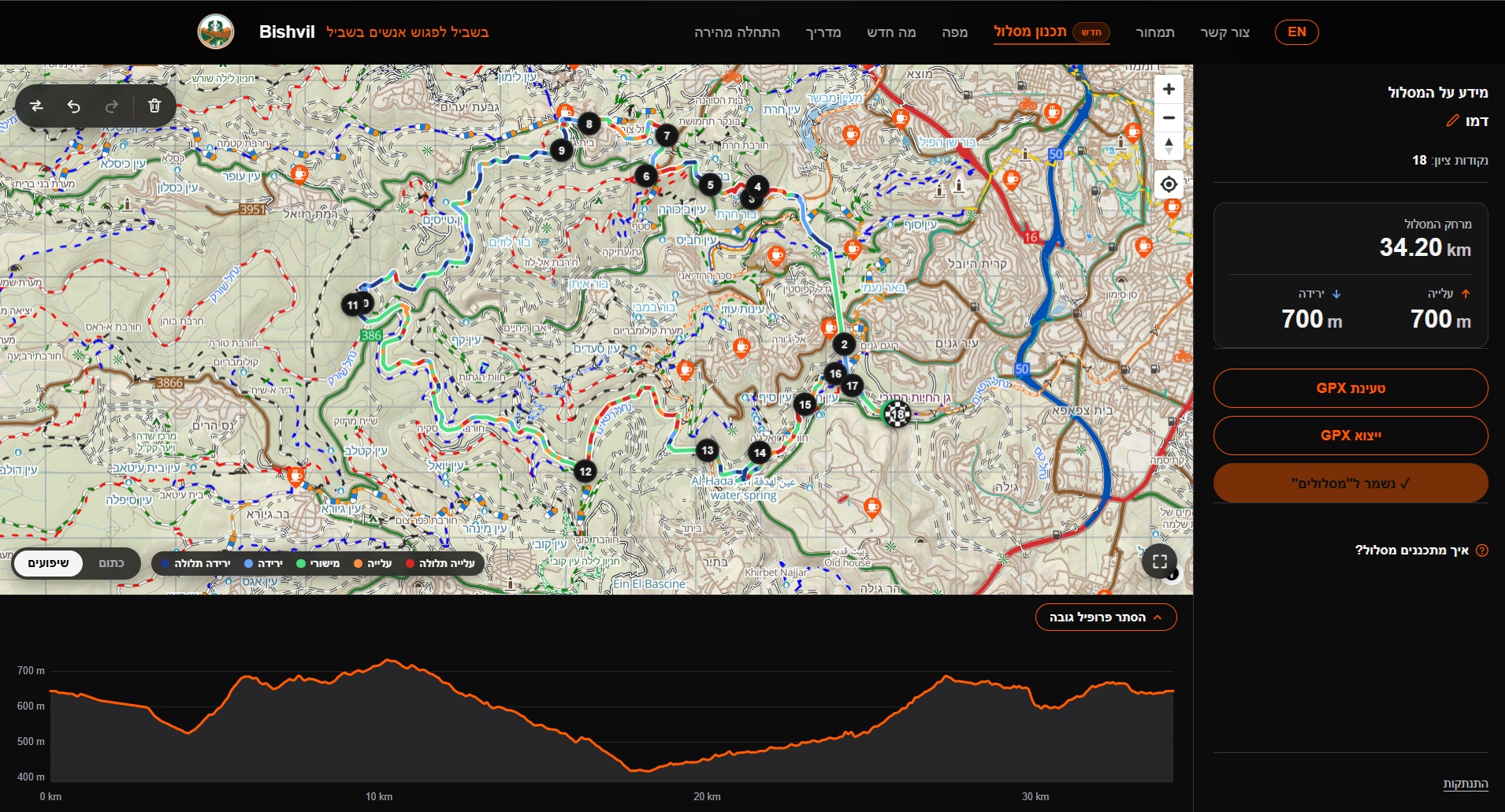
Instructions along the route
An example of how instructions are placed at junctions along a route.
Choose how many alerts you get
- Settings
- App
- Turn alerts
You can set the Alert level to Few, Normal or Many, control voice and visual alerts separately, or turn them off completely. Available with Premium and during your free trial.
Also in this update
- Search your routes in the app’s Routes tab.
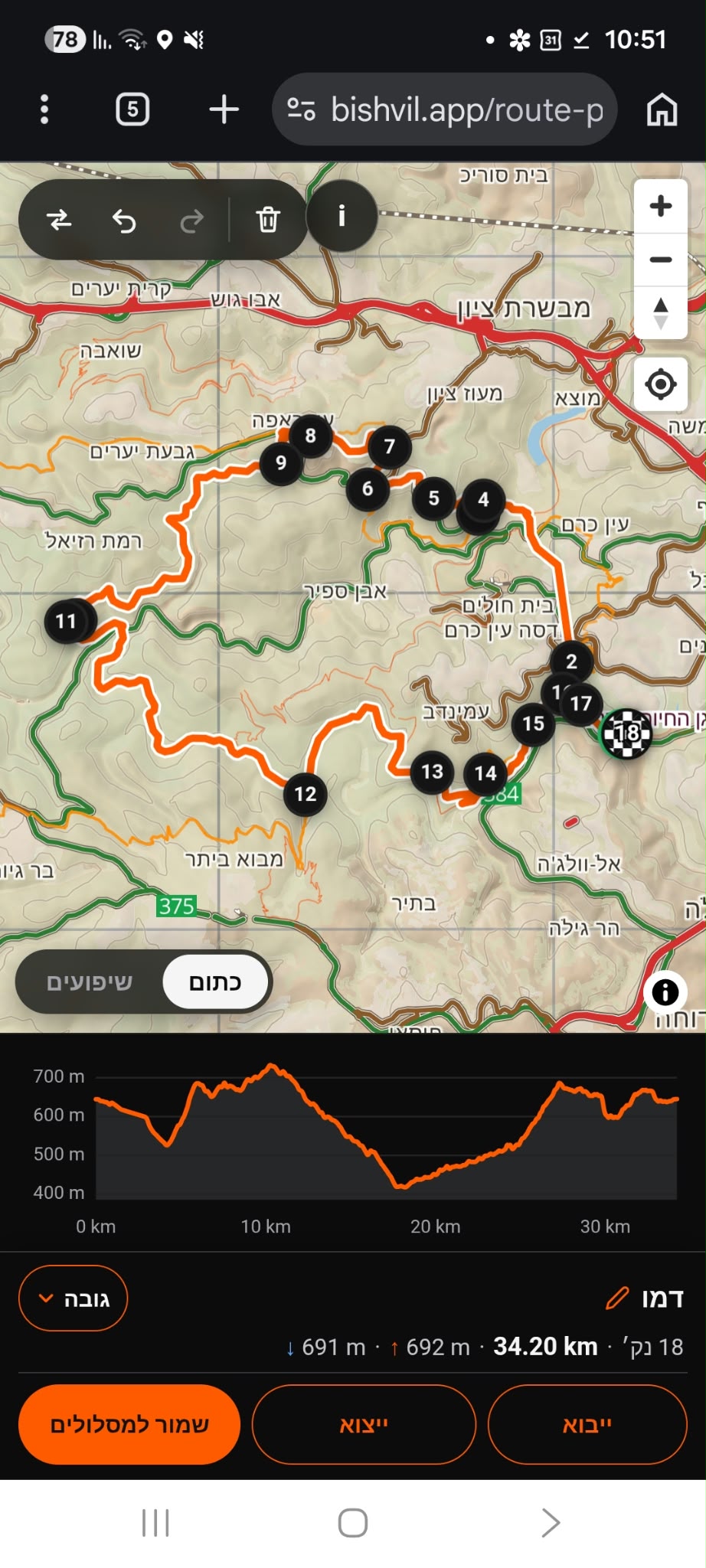
- Search for places in the web Route Planner.
- Adjust the self-location arrow size and the loaded route’s width in Settings.